








Indonesia Visa Payment Methods: How to Pay the Right Way

If you’ve ever tried to do an Indonesia visa application online, you already know this: the payment step can feel like the hardest part. Not the form. Not the photo. The payment method.
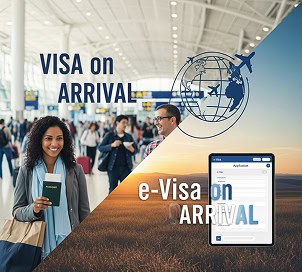
The good news is Indonesia’s immigration system is getting more digital, and the official website now supports a few clear options. The tricky part is that the “right” option depends on what you’re applying for, e visa, an e-VOA (electronic Visa on Arrival), or another visa type.
In this article, I’ll walk you through the main Indonesia visa payment methods, what’s accepted, how to avoid extra fees, and what to do if your transaction fails.
Option 1: Pay by card (fastest for most travelers)

What cards are accepted?
For the official e-Visa portal, card payments can be made using Mastercard, Visa, or JCB (credit/debit cards).
For the visitor visa / e-VOA flow, it’s a Mastercard, Visa, or JCB credit card only. And here’s a detail that helps a lot: the card does not have to be under your name.
Why your card might fail (and what to check)
The official e-VOA page says your card should have 3D Secure and be open to international payments. This is the “OTP” or verification step many banks use.
Tip: If you’re paying from overseas, call or message your bank first and ask them to allow the charge. It can save you time and stress.
The “service fee” people mistake for hidden fees
Immigration explains that because this is an international transaction, the exchange rate (kurs) is the rate on that date, and there can be an admin service fee added to the transaction.
So if your card shows a slightly different total than you expected, it may be:
- exchange rate changes,
- your bank’s international fee,
- and/or the official service fee mentioned by immigration.
That’s not always “hidden fees.” But you should still double-check the payment screen before you press pay.
Option 2: Pay using SIMPONI (billing code) when you need a local route
What is SIMPONI?
SIMPONI is a government billing system for non-tax revenue (PNBP). In the e-Visa context, it creates a billing code that you pay through Indonesian payment channels.
How can you pay a SIMPONI billing code?
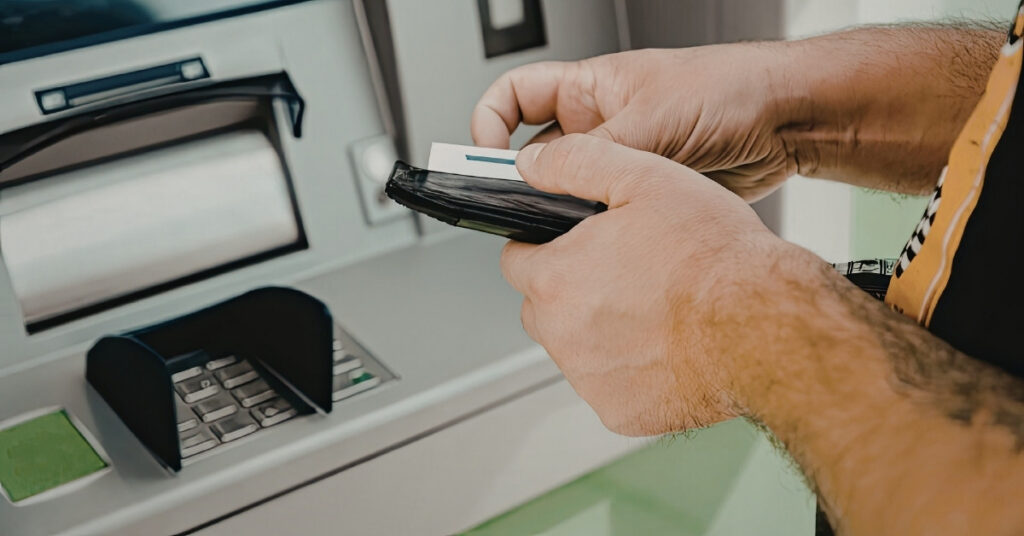
The official e-Visa user manual explains that SIMPONI payments can be made through:
- cash deposit at a bank teller,
- ATM,
- mobile banking, internet banking,
- and even “marketplace” channels (it lists Tokopedia and Bukalapak).
Immigration also says billing code payments can be done via ATM, mobile banking, and e-commerce, which provides PNBP payments.
What about digital wallets like DANA?
Here’s the honest answer: the official sources clearly list banks, ATMs, mobile/internet banking, and marketplace channels, but they don’t promise every digital wallet will work directly.
What is relevant is that SIMPONI added a feature to generate QRIS on billing (an Indonesian QR payment standard). Many banking apps, and some wallet apps, can scan QRIS. So if you’re hoping to use something like DANA, ask the Indonesian person helping you to check whether their app supports paying that specific billing/QRIS flow.
One important requirement for foreigners
Immigration states that if you pay by billing code, a warga asing may need help from an Indonesian citizen (WNI) as a guarantor/responsible person, because the payment is in rupiah and facilitated by banks in Indonesia.
So yes, SIMPONI can be a great option, just expect that a local person may need to do the final payment steps.
More Payment Methods, More Currencies with Visa-Indonesia
If you want a smoother checkout with more payment choices and currencies, choose Visa Indonesia. You can pay in EUR, USD, AUD, and 24+ more currencies, so you don’t have to stress about confusing conversions. It’s also mobile-friendly, which means you can complete your payment right from your phone.
Need options? You’ve got them: Visa, MasterCard, Amex, Apple Pay, Google Pay, and bank transfer are all available. Just pick the payment method that works best for you, follow the steps, and you’re done. Less hassle, more control, and a smoother checkout from start to finish.
Timing matters: payment windows and why some applications get rejected
This is where a lot of applicants get confused.
- The e-VOA info says after you reach the “payment confirmation” page, you must proceed within 120 minutes, or the system won’t accept payment and you’ll need to create a new request.
- The e-Visa user manual says card payment can have an active period (it mentions 3 hours in that guide), and if it expires, the application can be rejected, and you may need to reapply.
- For SIMPONI, the manual describes the payment code being active for 24 hours.
So if you’re going to start the process, do it when you have enough time to finish. Don’t begin right before you have to leave, board a flight, or run out the door.
Processing time and application status: what happens after you pay?
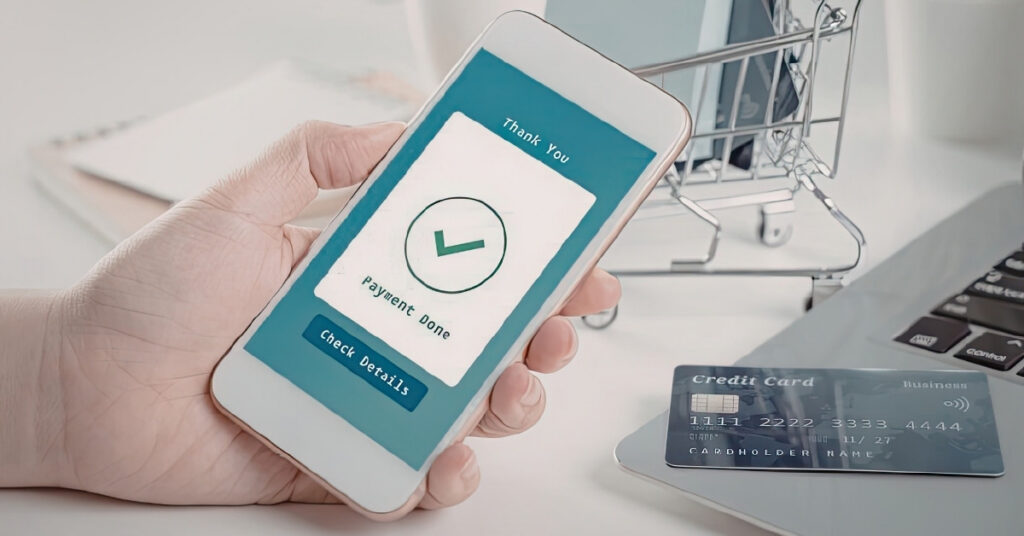
Once payment is successful, your application status changes, and your request goes into verification.
The e-Visa manual says that after payment, the status can change to “waiting for verification.” And the e-Visa home page also highlights that you can track your visa application status online.
For processing time, immigration gave a general estimate: e-VoA often issues within 1-24 hours, while other visa types may take around 4–5 days, as long as requirements are complete.
Things to remember: Missing documents, unclear photos, or wrong data are common factors that slow things down or lead to a rejected decision.
Refund rules: don’t expect your money back
This part is tough, but it’s better to know up front.
- The e-VOA page warns: don’t create a new request or make a new payment unless advised, and it says no refund will be granted for unfinished transactions or extra payments made during a failed process.
- The e-Visa manual also notes that visa fees paid are non-refundable.
So, before you press “Pay Now,” pause and confirm:
- your name and passport number,
- the visa type,
- and the total fees.
That small “confirming” step can save you a lot.
If your transaction fails, do this (don’t panic-click)
If your payment is suspended or unsuccessful, the official e-VOA guidance says to contact the Visitor Visa Support Desk (it lists live chat and official emails) and not to create a new request unless told to.
Also, immigration’s FAQ mentions that if payment is rejected, you may need to contact the relevant bank/perception bank, and it lists a support email for certain payment issues.
Don’t spam the payment button. Don’t pay twice. Get an answer from the official support path.
Ready to Apply or Extend Your Visa?
Let our visa specialists handle your application.





 English
  Bahasa Indonesia
  Español
  Italiano
  Français
  日本語
日本語  Nederlands
  繁體中文
繁體中文  한국어
한국어  Norsk bokmål
  Svenska
  Dansk
Dansk  Türkçe
  Polski
  香港中文
香港中文  简体中文
简体中文  Українська
  Русский
  Bahasa Melayu